Autopapyrus · Volkswagen Golf Mk6
https://autopapyrus.com/guides/volkswagen/golf/rear-brake-caliper-rebuild/
https://autopapyrus.com/guides/volkswagen/golf/rear-brake-caliper-rebuild/
Compiled automatically from service literature and owner experience. Specs are for the typical configuration — check them against your exact car before you start.
Volkswagen Golf Mk6: Rear Brake Caliper Rebuild
The rear brake calipers on the Golf Mk6 are prone to seal and dust boot wear caused by moisture and dirt getting in. The main symptoms are a seized piston, sticking, and brake fluid leaks. The repair involves disassembling the caliper, replacing the seals, and cleaning the parts.
Part
- 🔩 rear caliper repair kit (piston seal, dust boot, guide pin bushings). Manufacturers: FRENKIT 238022 or 238010, TRW 8D0698671, ATE, Bosch. For calipers with a 38 mm piston
 There's a full repair manual for this car
Every system, wiring diagrams and torque specs — not just this job. Haynes and 36 more.
See manuals →
There's a full repair manual for this car
Every system, wiring diagrams and torque specs — not just this job. Haynes and 36 more.
See manuals →
Step by step
16 steps- Raise the rear of the car with a jack, remove the wheel, and fully release the parking brake.
- Remove the caliper guide pin bolts with a 13 mm wrench and take the caliper off the brake disc (do not disconnect the brake hose; hang the caliper from the suspension components with wire).
- Unscrew the brake hose from the caliper with a 17 mm wrench (place a container under it to catch the brake fluid) and plug the opening with a clean rag.
- Clean the caliper of dirt with a brush and brake cleaner, and inspect the body for cracks and corrosion.
- Remove the piston from the caliper: carefully push it out with compressed air through the brake hose port (cover the piston opening with a rag), or unscrew it by hand with the special tool, turning counterclockwise.
- Remove the old dust boot and seal from the piston and from the groove in the caliper, and clean the inside of the cylinder bore of corrosion with fine sandpaper (800-1000 grit).
- Inspect the piston. If it has scoring, corrosion, or deformation, replace the piston or the entire caliper.
- Lubricate the new seal with brake fluid, install it in the groove of the caliper cylinder, and fit the dust boot onto the piston.
- Thread the piston into the cylinder clockwise with the special tool (the piston is pressed in and rotated at the same time because of the parking brake mechanism), and push it in all the way.
- Seat the dust boot in the groove of the caliper body and check that it is not twisted or misaligned.
- Replace the guide pin bushings and guide pin boots (included in the repair kit) and lubricate the guide pins with a special high-temperature brake grease.
- Screw the brake hose into the caliper to 15-20 N·m (11-15 lb-ft), install the caliper, and tighten the guide pin bolts to 25-30 N·m (18-22 lb-ft).
- Bleed the brake system to remove air: have an assistant press the brake pedal 3-5 times and hold it down, open the bleeder valve with an 11 mm wrench until fluid comes out without bubbles, close the valve, and repeat until the fluid runs clean.
- Check the brake fluid level in the reservoir, top it up to the MAX mark, and make sure there are no leaks.
- Install the wheel, tighten the lug bolts to 120 N·m (89 lb-ft) in a crisscross pattern, and lower the car.
- Press the brake pedal several times until it feels firm (the pistons will move to their working position), and check that the parking brake works.
Common mistakes and warnings
- Never try to push the rear caliper piston in by simple pressing without rotating it. The parking brake mechanism is built into the piston, so you need a special tool that turns it clockwise. Using a C-clamp or pliers will damage the caliper's internal mechanism. After the repair, be sure to bleed the brakes until the pedal is firm before the first drive. A soft pedal indicates air in the system. Do not use old or contaminated brake fluid; use only fresh DOT 4.
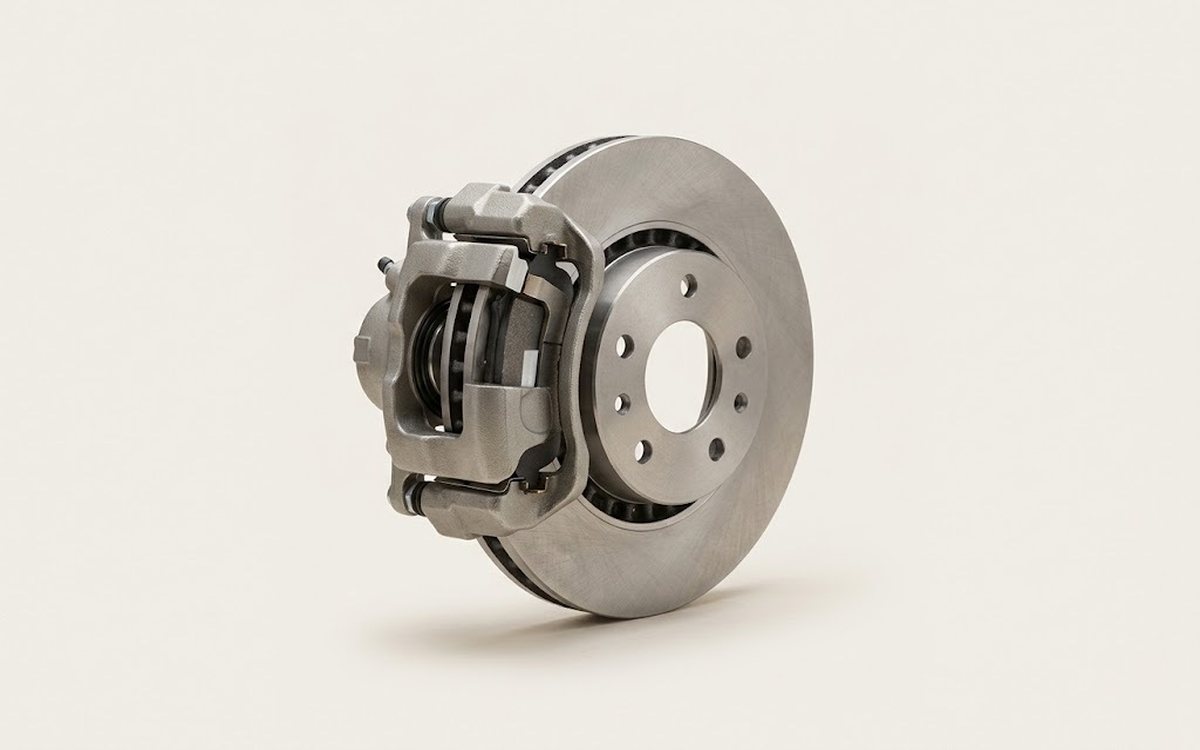 How it works · 3D
How Car Brakes Work
How the part you're working on actually works — in plain English, on a 3D model.
Open in 3D →
How it works · 3D
How Car Brakes Work
How the part you're working on actually works — in plain English, on a 3D model.
Open in 3D →