Autopapyrus · Honda Civic (8th generation, hatchback FK/FN)
https://autopapyrus.com/guides/honda/civic/clutch-kit-replacement/
https://autopapyrus.com/guides/honda/civic/clutch-kit-replacement/
Compiled automatically from service literature and owner experience. Specs are for the typical configuration — check them against your exact car before you start.
Honda Civic (8th generation, hatchback FK/FN): Clutch Kit Replacement
The Civic 8 with the R18A2 has a manual transmission with a hydraulic clutch actuation. To replace the clutch you need to remove the transmission together with the driveshafts, so the job is labor-intensive. Replace the kit as a set: disc, pressure plate and release bearing. Check the condition of the flywheel and the slave cylinder and replace them in the same session if necessary.
Part
- 🔩 Complete clutch kit (pressure plate, clutch disc, release bearing) for the R18A2, disc approx. 215 mm. For example, LuK RepSet 622 3329 00 for this engine. Alternatives: Sachs, Valeo, Exedy. Also: manual transmission fluid (Honda MTF), input shaft seal and crankshaft seal if leaking, clutch fluid (DOT 3 or DOT 4 as marked on the reservoir)
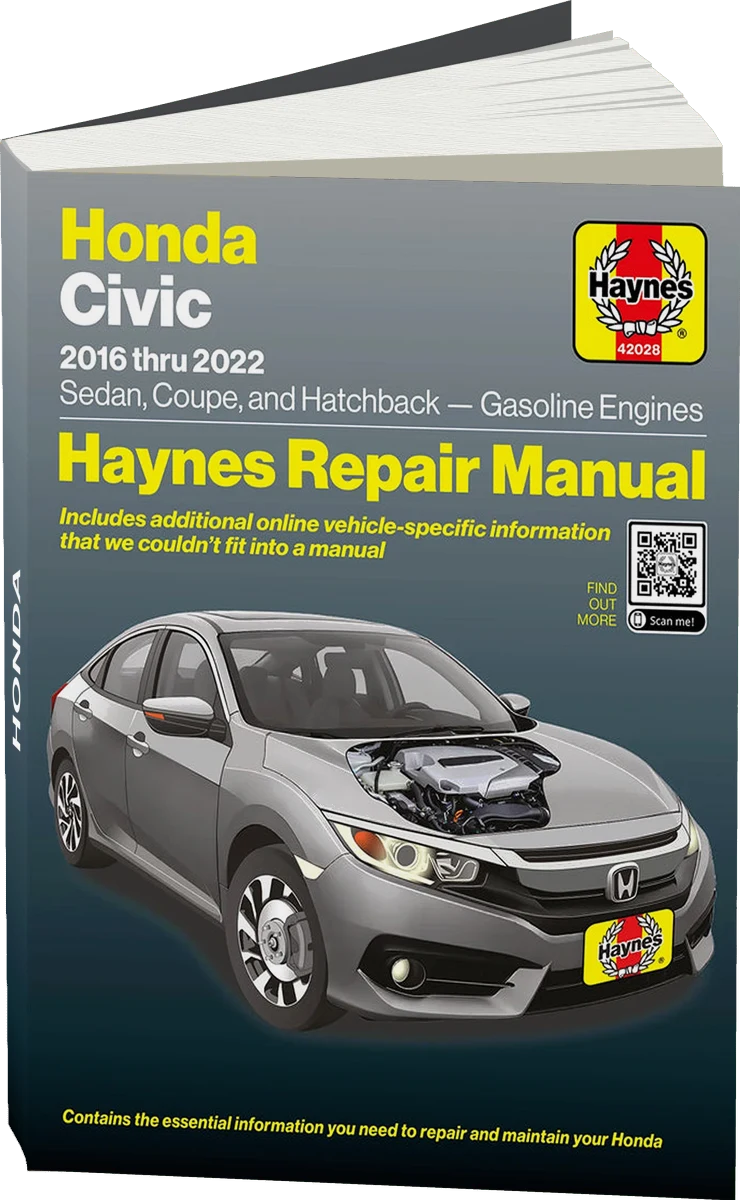 There's a full repair manual for this car
Every system, wiring diagrams and torque specs — not just this job. Haynes and 31 more.
See manuals →
There's a full repair manual for this car
Every system, wiring diagrams and torque specs — not just this job. Haynes and 31 more.
See manuals →
Step by step
18 steps- Put the car on a lift or over a pit. Disconnect the negative battery terminal. If the audio system or a control unit requires a code, make sure in advance that you have it.
- Remove the engine undercover. Drain the transmission fluid and close the drain plug with a new washer.
- Remove the air filter with its ducts and the battery hold-down along with the battery tray, as needed for access. Disconnect the wiring harnesses and connectors from the transmission: speed sensor, reverse light switch and others. Mark their positions.
- Remove the starter: it is bolted to the transmission and the engine. Set it aside without letting it hang by its wires.
- Disconnect the shift cable or rod and the shift linkage rod from the transmission. Before doing so, photograph the position of the mounts and washers.
- Release the clutch hydraulics. The slave cylinder usually sits on the transmission bell housing. Remove its fasteners and move it aside together with the hose, without disconnecting the line, so you don't have to bleed the system again. Do not press the clutch pedal while the cylinder is removed.
- Support the engine with a support bar or a stand placed under the oil pan through a wooden block. This is mandatory: next you will remove the mounts that hold the powertrain.
- Remove the front wheels. Disconnect the lower ball joints from the steering knuckles, or remove the control arms completely, whichever is more convenient. Pry the driveshafts out of the transmission: the left one comes out of the differential, and so does the right one. Hang the driveshafts on wire, without overextending the joints. Plug the transmission openings to avoid losing fluid.
- Remove the fasteners of the front and rear transmission mounts, position the transmission jack and secure the transmission with straps. Remove the bolts holding the bell housing to the engine. You will need sockets with extensions for this. Write down which bolt went where: the lengths differ.
- Carefully slide the transmission back along the dowels, without letting it hang on the input shaft, then lower it. The transmission is heavy, so work with a helper.
- Remove the pressure plate, loosening the bolts evenly in a crisscross pattern over several passes. Take out the clutch disc. Note the orientation of the disc: the side with the lettering usually faces the pressure plate, or as indicated on the new part.
- Inspect the flywheel: cracks, blue heat spots and deep scoring require resurfacing or replacement. If the flywheel is a dual-mass type, check the play and damper travel per the specification. Check whether oil is leaking from the crankshaft seal and the input shaft seal. If it is, replace the seal now: access will be closed off after reassembly.
- Install the new disc using the alignment tool. Apply a thin layer of high-temperature grease to the input shaft splines and to the disc splines, with no excess. Install the pressure plate and tighten the bolts in a crisscross pattern, in several passes, to the manufacturer's torque specification. Only then remove the alignment tool.
- Replace the release bearing and check the fork and its guides. Apply a little grease to the fork contact points and the guide sleeve. Do not grease the friction surfaces of the disc.
- Align the shaft with the hole in the disc and seat the transmission on the dowels. Tighten the bell housing bolts and the mount bolts to the specified torque. Do not pull the transmission to the engine with the bolts if it has not seated on the dowels: this damages the splines and the housing.
- Reassemble everything in reverse order: driveshafts (with new retaining clips and boots if needed), arms, starter, linkage, harnesses, air filter. Fill the transmission with fluid up to the level of the fill hole, using the manufacturer-recommended fluid.
- Check the fluid level in the clutch reservoir and top up if necessary. If the line was disconnected, bleed the clutch. Press the pedal several times and make sure it returns and the clutch disengages fully.
- Start the engine in neutral and check operation when engaging each gear. Take a test drive of 20-30 km (12-19 miles) without hard launches. The new clutch needs a break-in of about 500 km (300 miles).
Common mistakes and warnings
- This is a hard job that affects safety: the removed transmission is heavy, and the engine is held only by a support. Do not work under the car without reliable supports. If you lack experience or a lift, leave the job to a repair shop. Take the tightening torques for the pressure plate, flywheel, transmission bell housing and axle nut strictly from the Honda service manual: I am not giving exact values for your version here, to avoid mistakes.
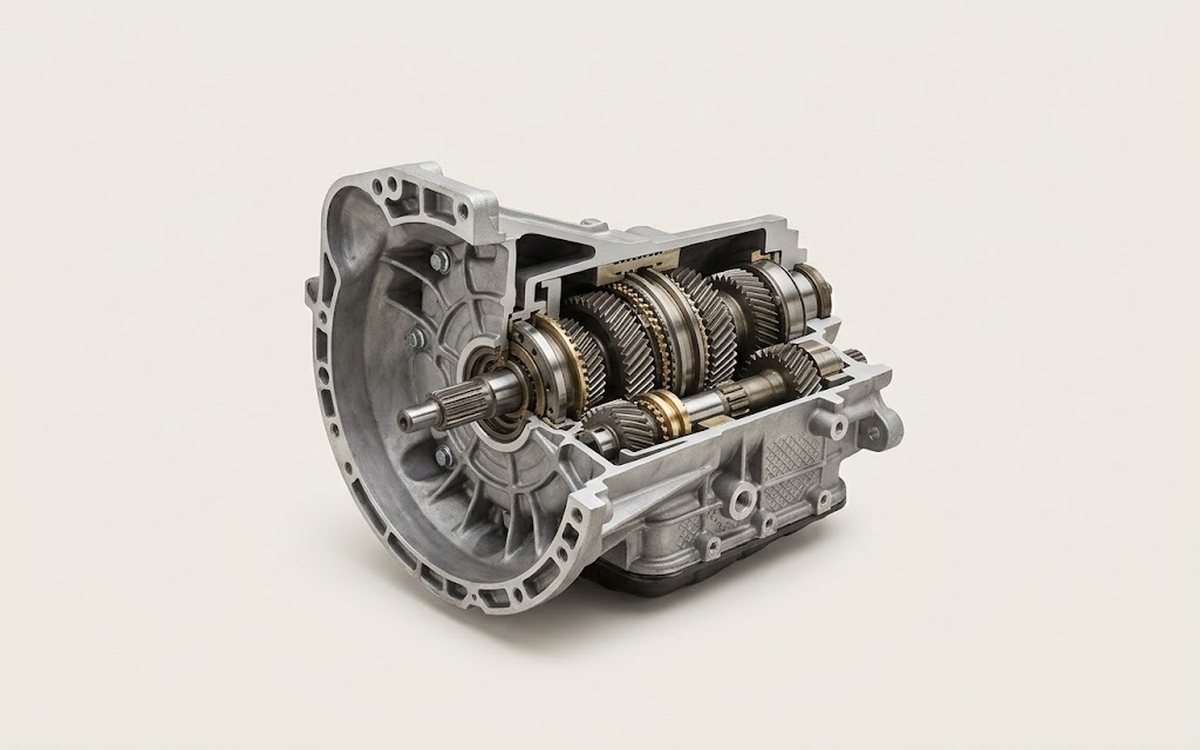 How it works · 3D
How a Manual Transmission Works
How the part you're working on actually works — in plain English, on a 3D model.
Open in 3D →
How it works · 3D
How a Manual Transmission Works
How the part you're working on actually works — in plain English, on a 3D model.
Open in 3D →